To track the submissions or responses, you can go to the Responses page.
Here, you can view all the submissions for your pages.

Click on the View button to see the submitted data and files.

Here you can view and also download the files that are submitted.
Depending on your form settings, file can be hosted in our cloud or your Google Drive.
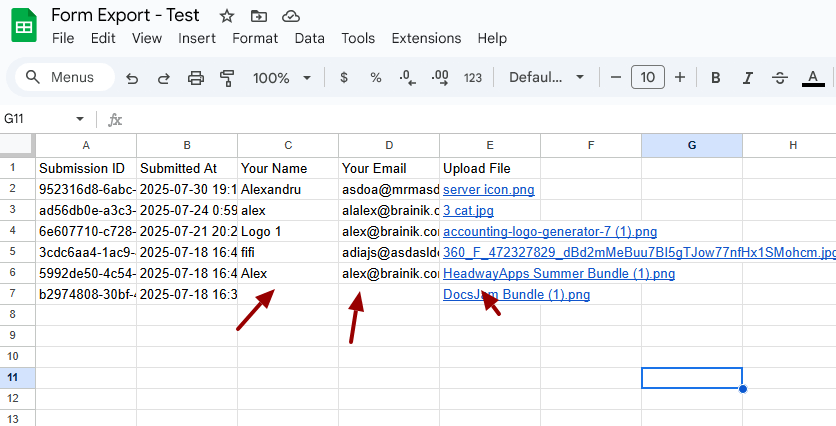
Forms that are connected to Google Sheets can track the responses there. Example: