
To connect the Google Drive enable the feature first.
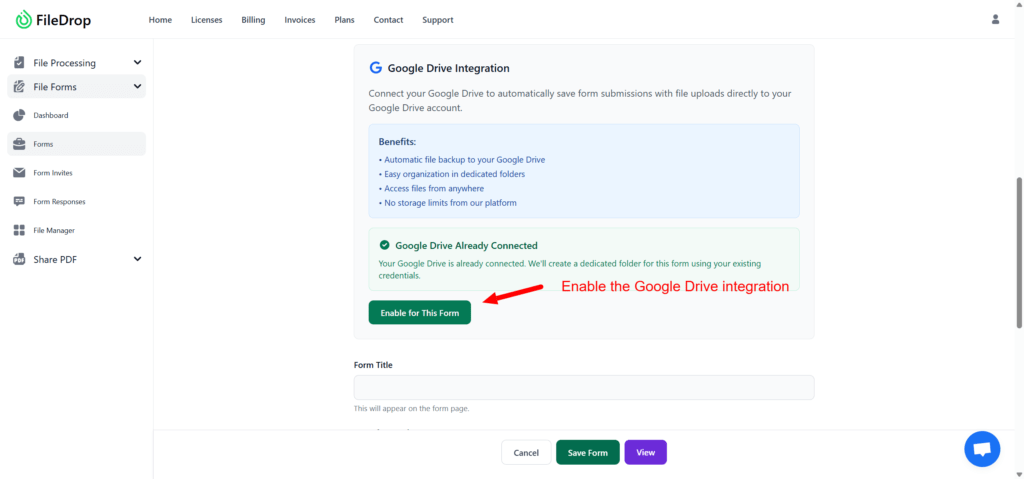
Once enabled it will create a folder in your Google Drive automatically where the file submissions will be hosted.

You can change the folder by clicking on the Change Google Drive folder button and select any folder you wish.
Disconnect Google Drive
To disconnect, please click on the “Disconnect from this page” button.
The Disconnect from All Pages button will remove the Google Drive integration from all pages.
