

Businesses rely on PDFs every day—contracts, statements, reports, proposals, onboarding packets, compliance files, creative deliverables, and more. But sharing PDFs securely and professionally is still a challenge for many teams.
Email attachments are unreliable. Public links on cloud drives look unprofessional. And traditional portals require clients to create accounts—slowing down the workflow.
As one industry expert notes:
“Email attachments are security disasters waiting to happen… once you hit send, you lose control. Recipients can forward files to anyone, store them anywhere, and you’ll never know.” (Moxo)
That’s why modern PDF hosting tools have become essential. They let you upload a PDF, generate a secure link, track views or downloads, add branding, and control access (passwords, expiry, etc.).
In this guide, we review the best PDF hosting tools for businesses in 2026—ranked by security, usability, branding, storage integration, and client experience. FileDrop is ranked #1 for teams that need a secure, no-login, professional way to host and share PDFs with clients.
1. FileDrop PDF Hosting— Best Overall PDF Hosting Tool for Business Use
Perfect for: Marketing agencies, accountants, legal teams, HR, finance, consultants, real estate, manufacturing/QA, and any team that sends or receives sensitive PDFs frequently.
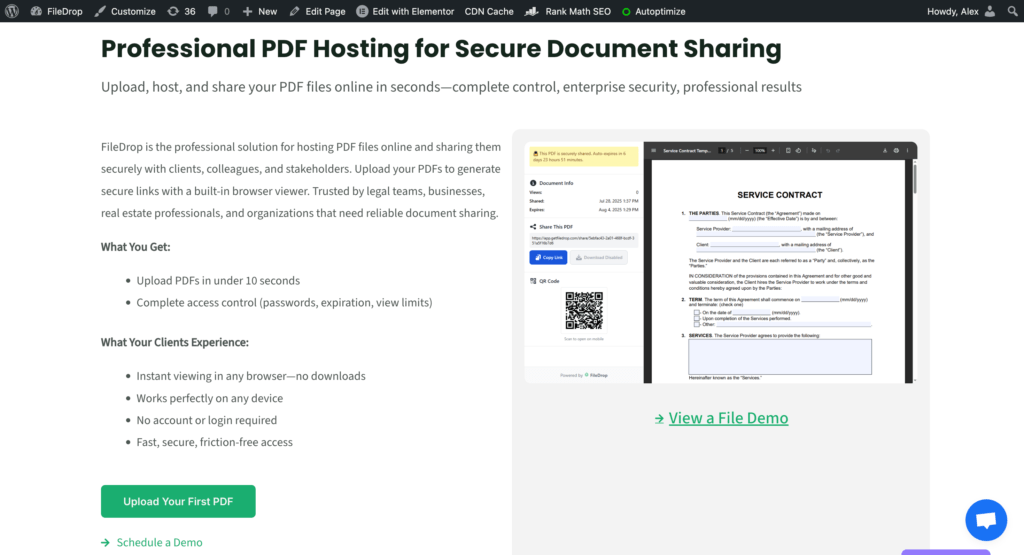
FileDrop is built specifically for secure PDF hosting, secure delivery, and document collection—without the friction of client logins, shared folders, or messy attachments. You can host a PDF, generate a branded link, track client views/downloads, and set security controls—all in seconds.
Core FileDrop PDF Hosting Features
1. Secure, Trackable PDF Links
Upload any PDF and instantly generate a branded, secure link with:
- View tracking
- Download tracking
- Unique link slugs
- Optional password protection
- Expiring links
- One-click updates
- Email pin access
Clients simply click, view, and optionally can download—no login required.
2. Branded PDF Viewer Pages
Add your logo, colors, and custom message so recipients see a professional experience, not a generic shared-folder preview.
3. Large File Support
You can upload PDF files up to 100 mb. Perfect for PDF reports with high-res images, multi-page contracts, audit packages, HR packets, or media-heavy documents.
Why FileDrop Is #1 for PDF Hosting
- Best client experience: Simple view/download page—no portal logins.
- Strongest branding: Logo, colors, custom instructions, custom URLs.
- Superior security: Expiring links, passwords, encryption, logs.
- Affordable for teams: Business-grade features without enterprise pricing.
FileDrop replaces:
- Email attachments
- Dropbox shared folders
- Unbranded Google Drive links
- Clunky client portals
- PDF links with no tracking
If your business sends or receives PDFs weekly, FileDrop is the best all-in-one solution.
2. Adobe Acrobat Cloud
Best for: PDF-first legal, compliance, enterprise, and creative workflows.
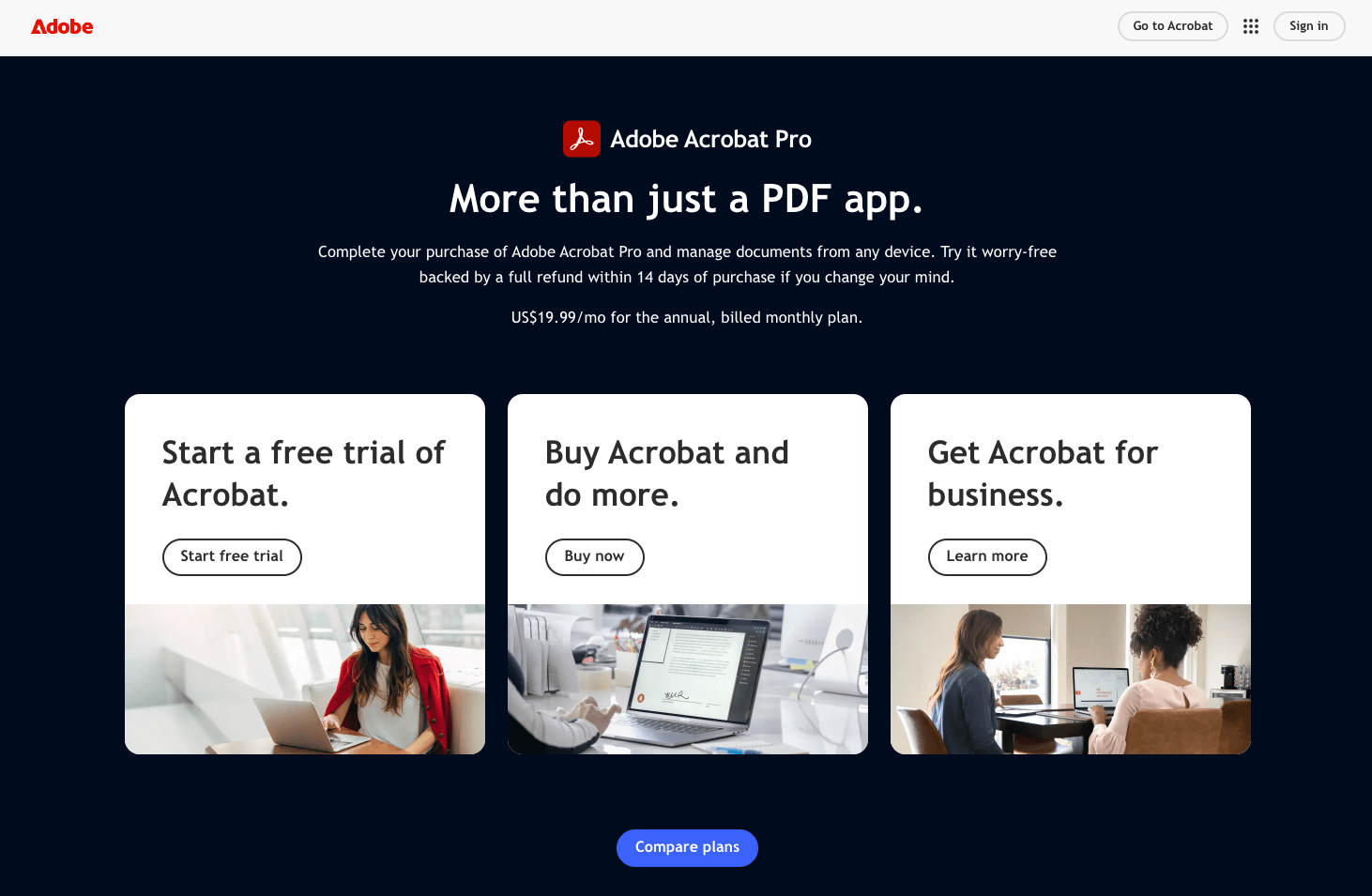
Adobe Acrobat’s cloud sharing tools allow teams to upload PDFs and share trackable links through Acrobat. It’s especially convenient for teams already using Acrobat for editing or signing.
Strengths
- Deep integration with Adobe Acrobat
- Built-in PDF editing and commenting
- Strong enterprise-level features
- Reliable for PDF-heavy workflows
Best Use Cases
- Legal documents
- Form-heavy workflows
- PDF editing + sharing teams
- Teams standardized on Acrobat
Limitations
- Limited branding
- No no-login upload collection
- Tracking is basic compared to FileDrop
3. Dropbox PDF Hosting / Dropbox Transfer
Best for: Teams already using Dropbox for storage.
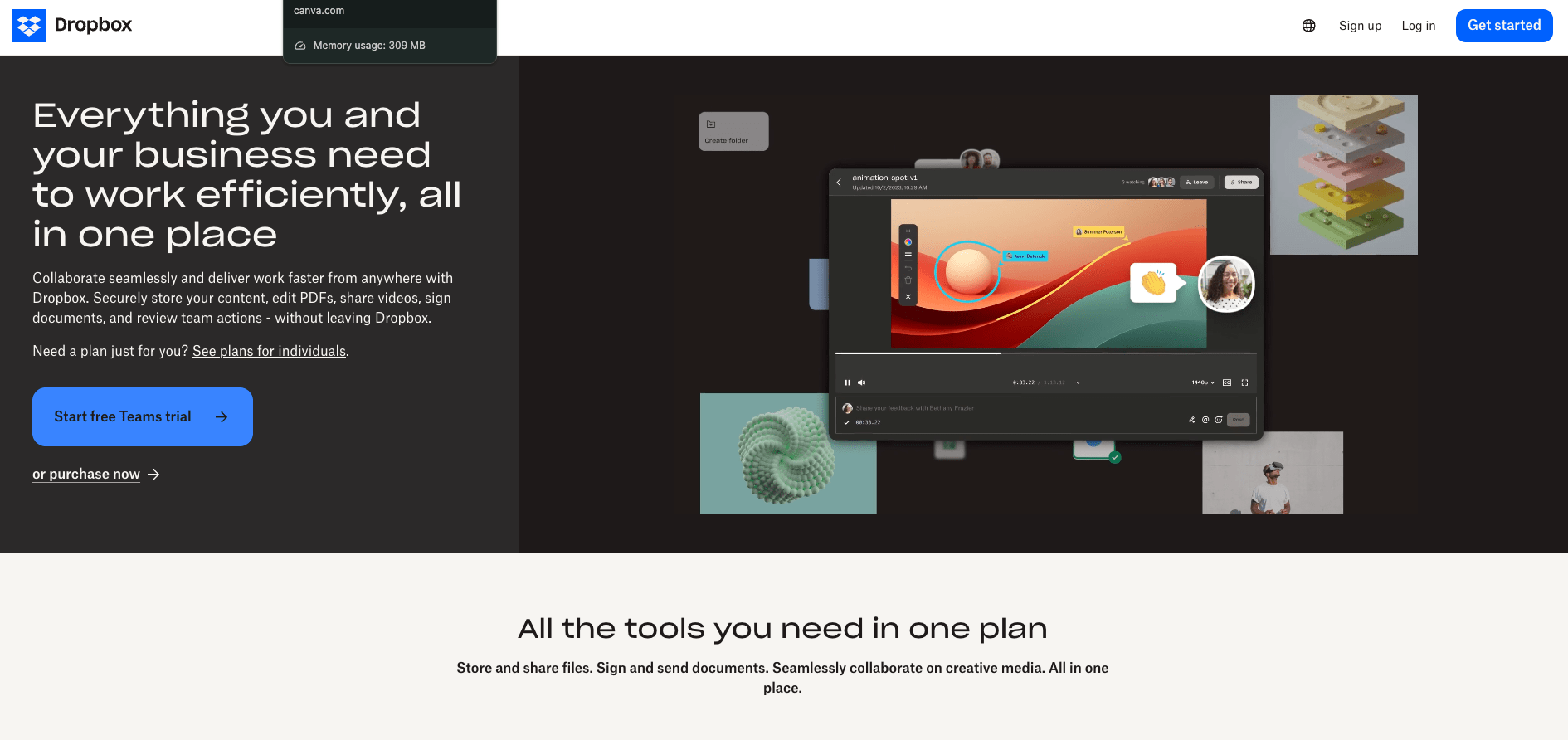
Dropbox provides simple PDF link sharing and PDF previews, making it popular with agencies and freelancers.
Strengths
- Very easy for clients
- Familiar interface
- Quick one-off sharing
- Good for larger PDFs
Limitations
- Minimal branding
- Basic tracking only
- Not built for sensitive or regulated documents
- No Drive automation or routing
Best Use Cases
- Creative agencies
- Freelancers
- Teams needing simple sharing
4. Google Drive PDF Viewer
Best for: Internal file sharing and quick basic PDF links.
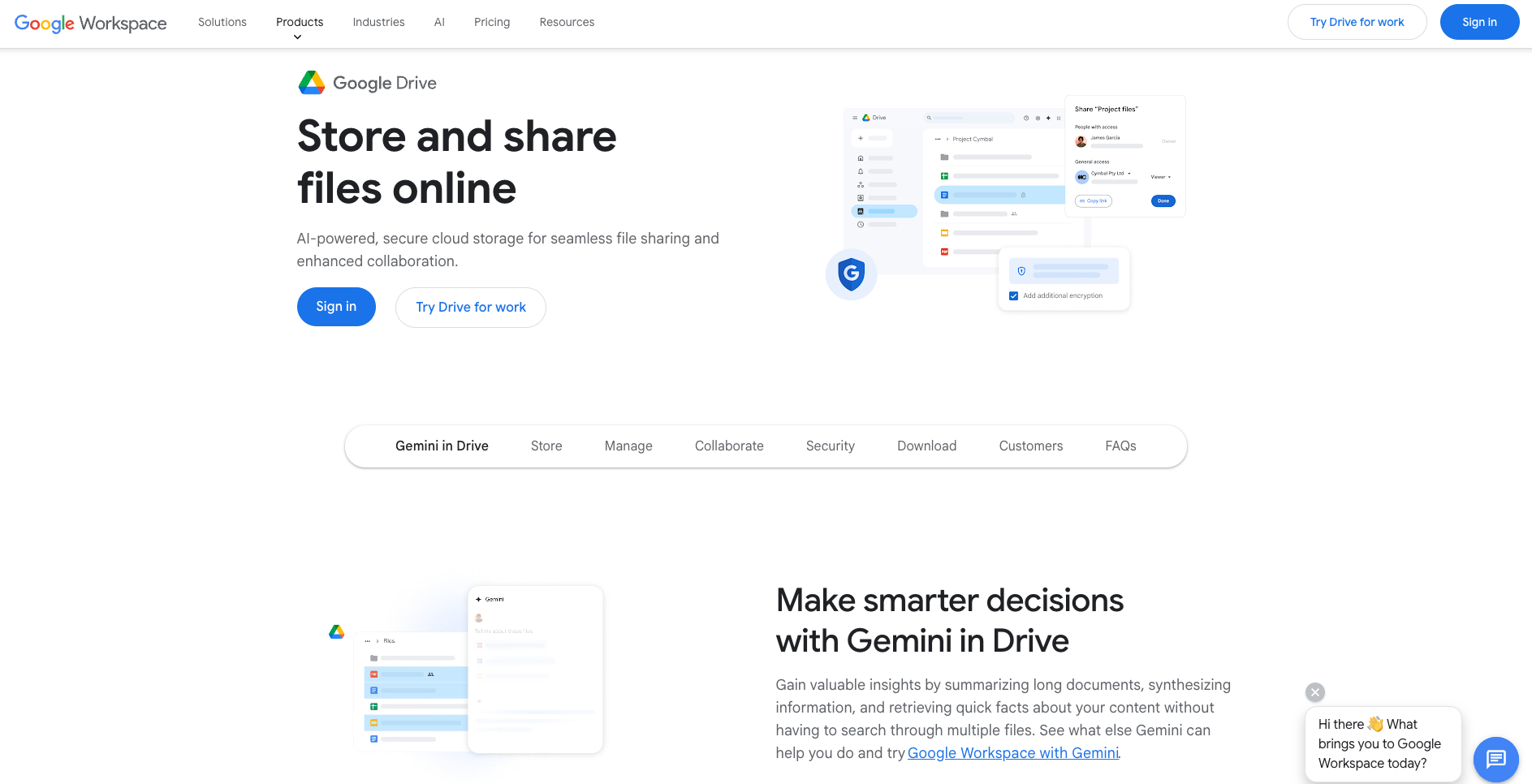
Google Drive allows PDFs to be shared via link, previewed, and downloaded. It’s convenient but lacks the professional presentation and security controls many client-facing teams need.
Strengths
- Free and widely adopted
- Built-in preview mode
- Easy for internal teams
Limitations
- No branding
- No link tracking
- No expiry options
- Public URLs risk accidental sharing
Best Use Cases
- Internal documentation
- Quick temporary sharing
- Collaboration inside Google Workspace
5. DocSend (Dropbox)
Best for: Sales teams needing analytics-heavy PDF sharing.
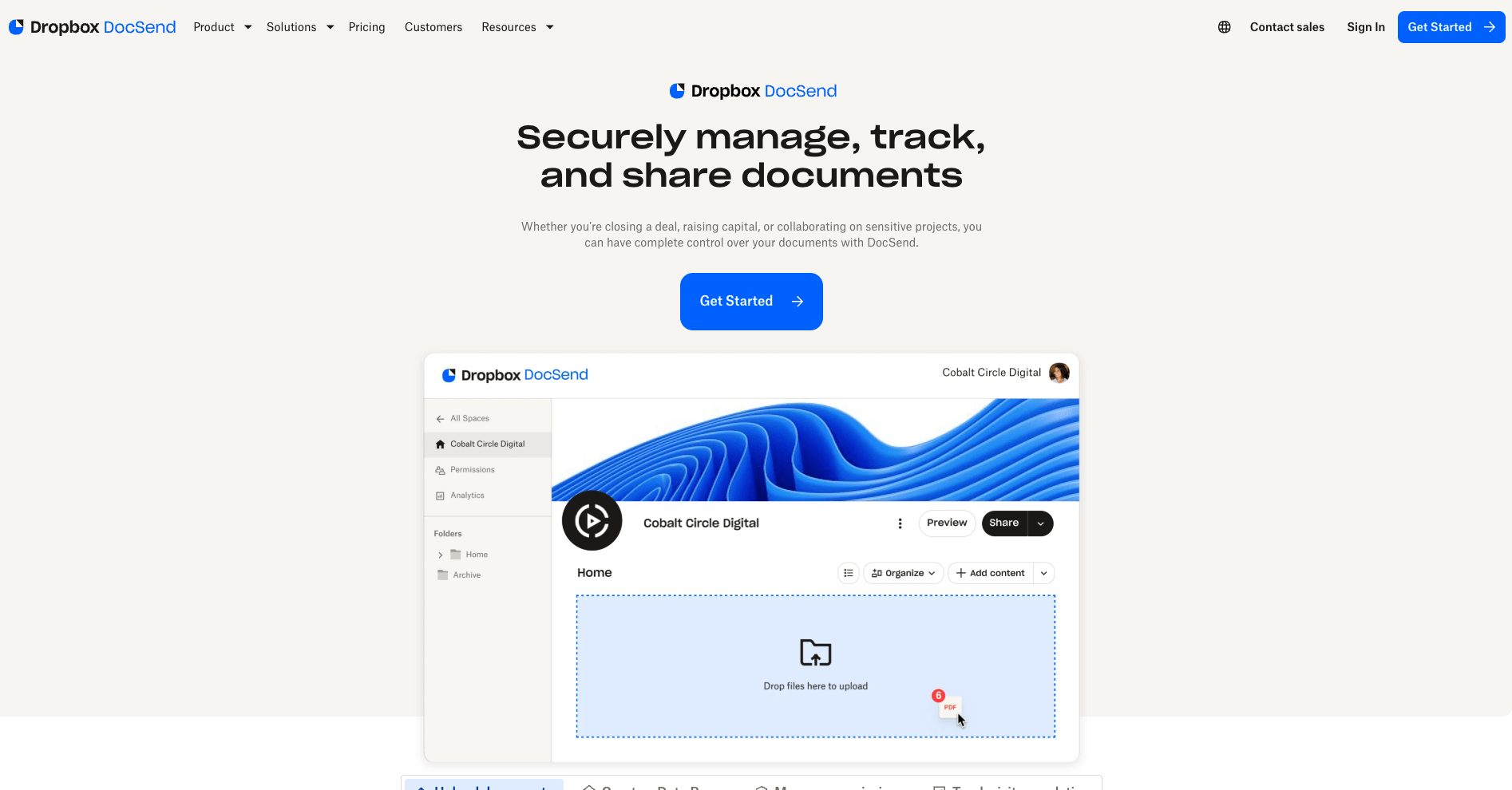
DocSend provides “smart links” for PDF documents with strong analytics and viewer-level tracking. Great for proposals, pitch decks, investment documents, and sales assets.
Strengths
- Detailed analytics
- Page-by-page insights
- Permissions controls
- Great for sales content
Limitations
- Overkill for basic hosting
- Expensive for large teams
- No file collection features
- Not designed for Drive automation
Best Use Cases
- Pitch decks
- Sales proposals
- Investor updates
6. Box PDF Hosting
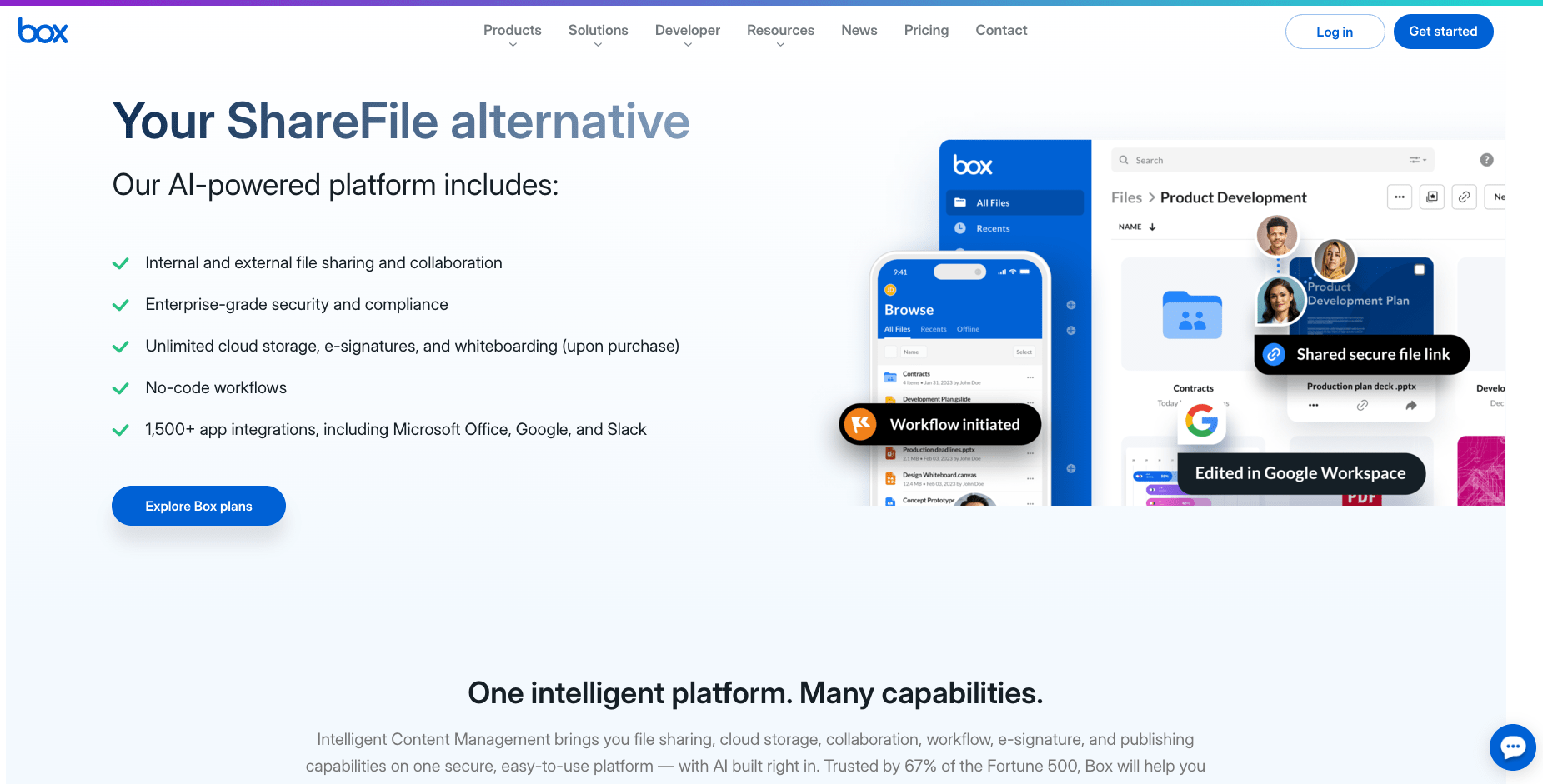
Best for: Enterprise, compliance-heavy, IT-managed organizations.
Box is built for large companies needing strict data governance and compliance. Its PDF hosting capability sits inside its secure file management ecosystem.
Strengths
- Enterprise security
- DLP and compliance controls
- Strong permissioning
- Advanced admin console
Limitations
- Complex setup
- Not client-friendly for one-off sharing
- Branding is limited
Best Use Cases
- Finance
- Healthcare
- Biotech
- Corporate legal teams
7. WeTransfer Pro
Best for: Creatives sharing large PDFs, mockups, proof files, or print-ready documents.
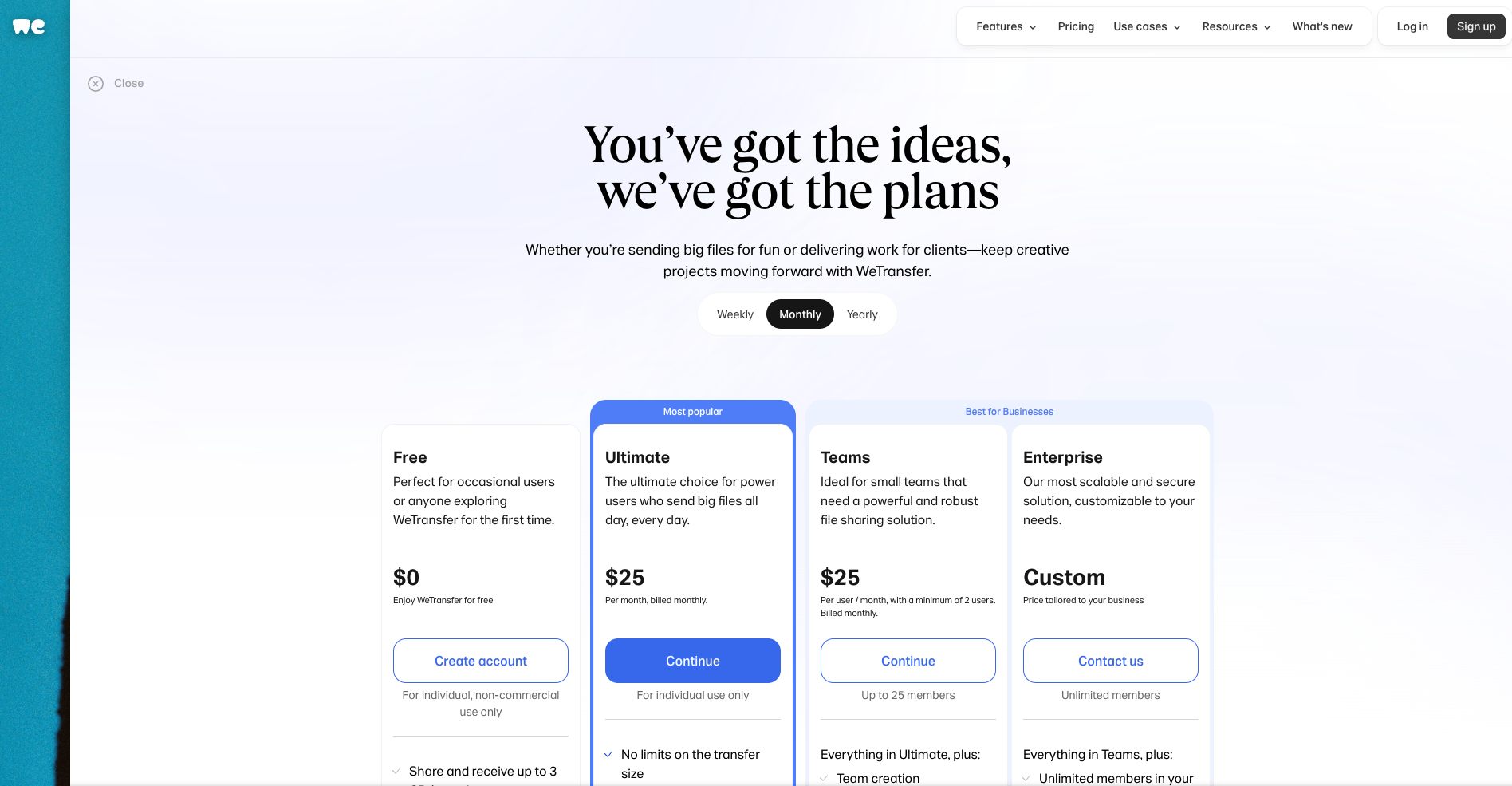
WeTransfer Pro makes sending large PDFs effortless with minimal friction—but it’s not designed for sensitive files.
Strengths
- Fast large-file delivery
- Very easy to use
- Branded pages (Pro)
Limitations
- Minimal security controls
- No logs, tracking, or expiry management
- Not built for confidential business files
Best Use Cases
- Designers
- Photographers
- Creative agencies
Comparison Table: Best PDF Hosting Tools for Businesses
| Feature / Tool | FileDrop | Adobe | Dropbox | Google Drive | DocSend | Box | WeTransfer |
| Branded PDF Viewer | Yes | No | Basic | No | Yes | Limited | Pro only |
| View Tracking | Yes | Basic | Basic | No | Detailed | Yes | No |
| Expiring Links | Yes | Yes | Yes | No | Yes | Yes | Yes |
| Password Protection | Yes | Yes | No | No | Yes | Yes | No |
| Collect PDFs | Yes | No | Basic | No | No | Yes | No |
| Automatic Drive Backup | Yes | No | No | N/A | No | No | No |
| Large File Support | Excellent | Good | Good | Good | Good | Excellent | Excellent |
| Ease of Use | Very easy | Medium | Easy | Easy | Medium | Complex | Very easy |
Final Recommendation: Which PDF Hosting Tool Should You Choose?
Choose FileDrop if you want:
- Secure, branded PDF hosting
- View/download tracking
- Expiring links + passwords
- Automatic Google Drive backup
- A professional client experience
- A single tool for both sending and receiving files
For 90% of agencies, law firms, accountants, HR teams, consultants, and manufacturing/QA departments—FileDrop is the best overall solution.
Choose Adobe if:
You need advanced PDF editing + sharing inside Acrobat.
Choose Dropbox if:
You want simple, familiar sharing with minimal setup.
Choose Google Drive if:
You only share PDFs internally and don’t need branding or tracking.
Choose DocSend if:
You want deep analytics for sales documents or presentations.
Choose Box if:
You need enterprise governance, DLP, and compliance controls.
Choose WeTransfer Pro if:
You want fast, simple delivery of creative media PDFs.
Conclusion
Choosing the right PDF hosting tool isn’t just about where your documents live — it’s about how securely, professionally, and efficiently your business can share information.
While platforms like DocSend, Dropbox, and Google Drive offer useful features, FileDrop stands out as the most complete, business-ready PDF hosting solution for teams that need:
- Secure client-facing delivery
- Real-time view + download tracking
- Expiring, password-protected links
- Enterprise-level file handling without the complexity
- Branding and professionalism built in
- Automatic backup to Google Drive
Whether you’re sending contracts, hosting brochures, delivering financial reports, or distributing internal documents, FileDrop gives businesses the perfect balance of simplicity, security, and control.
If your organization wants a modern, secure, trackable way to host and share PDFs—without portals, passwords, or friction—FileDrop is the clear winner. Ready to try it? Create your account here: https://app.getfiledrop.com/register

