Once you created your PDF file sharing is simple. Go to the Uploaded Files dashboard to view the files.

Click the sharing icon to open the file url that you can copy.

Click the invite button and you can automatically send an email with the PDF link

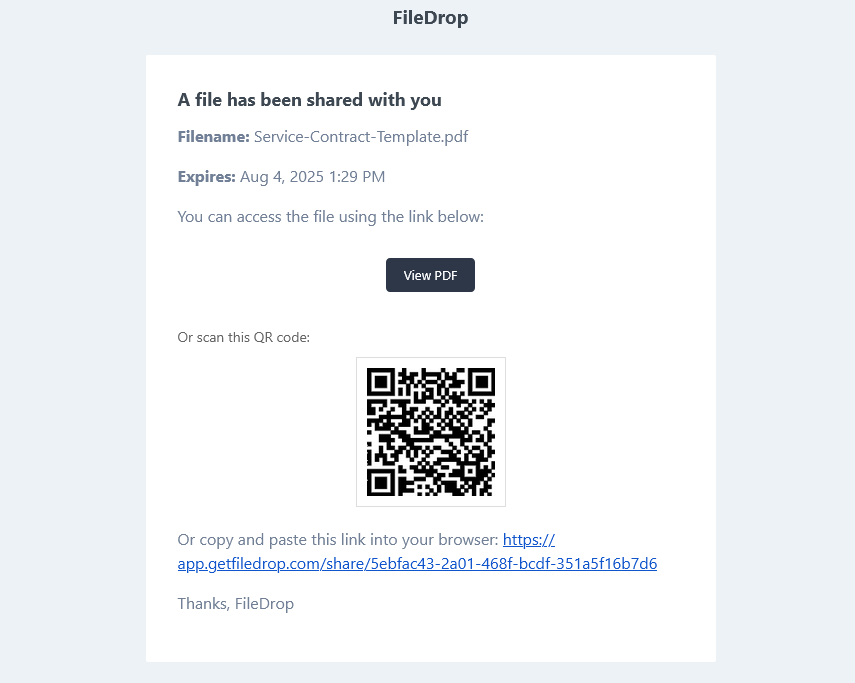
The invited user will receive an email like the one below with the link and also a qr code that can be scanned by mobile devices like phones or tablets.