


We’ve been quietly adding some powerful new features to Tables — and we think they change what you can actually use it for.
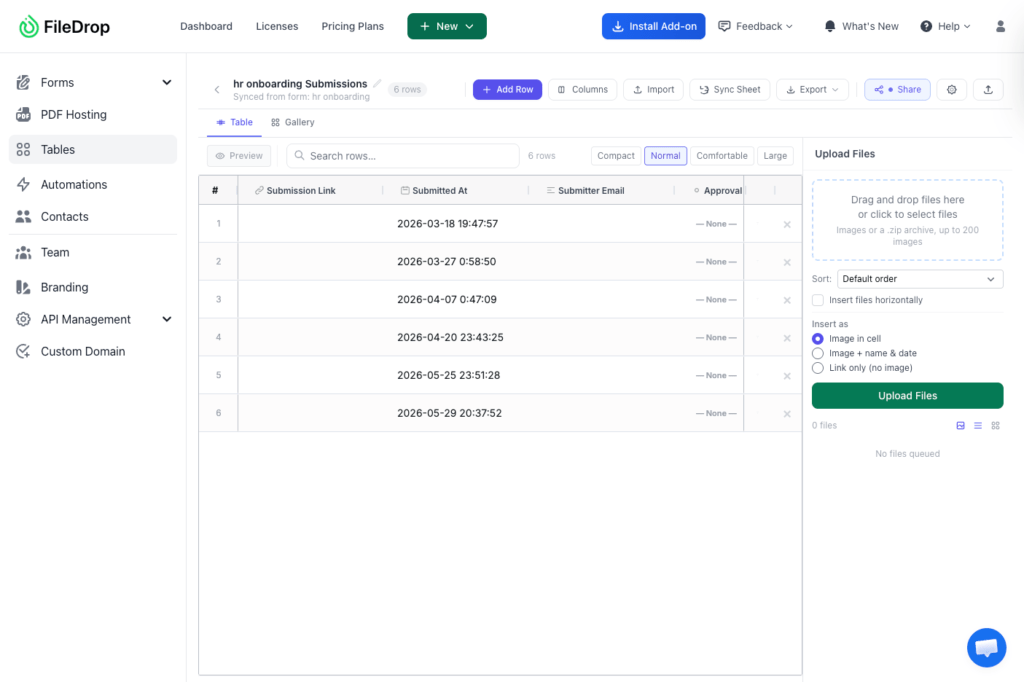
Here’s what’s new:
Group your rows by any column
You can now group your gallery cards or table rows by any column — department, category, status, region, whatever makes sense for your data.
So instead of one long list of 80 people, you get Engineering (12), Marketing (8), Sales (15)… each with their own section header. It works in both gallery and table view, on your public share page too.
Email and phone columns
Two new column types: Email and Phone. Values display as clickable links — tap an email to open your mail app, tap a phone number to call. Simple, but it makes a big difference when you’re using a Table as a directory or contact list.
What this unlocks
These two additions together open up a whole category of use cases we hadn’t fully leaned into:
- Team / employee directory — headshot, name, department (grouped), email, phone
- Vendor or supplier list — logo, company, category (grouped), contact email and phone
- Freelancer or contractor roster — photo, specialty (grouped), email, rate
- Community resource guide — org photo, service type (grouped), contact info
- Speaker directory — headshot, name, track (grouped), email, bio
If you have a form set up with FileDrop, you can connect it to a Table so every new submission automatically adds a row. Collect headshots and contact info through a form, display the results as a live visual directory — no manual entry.
Coming up
We’re working on more view options and smarter ways to connect your forms and tables. If there’s a use case you’re trying to build, let us know — we read every response.
Sign up and test the Tables tool here.
The Bottom Line:
One keeps you awake. The other gets work done.
A month of coffee: $80
A month of FileDrop: $19
Why not have both?


