
The Upload Requests sidebar connects the FileDrop Sheets add-on with the FileDrop Forms. It helps users listing the available forms and also the submissions that can be inserted in the Google Sheet when needed.

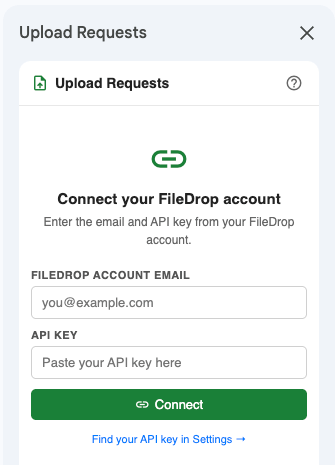
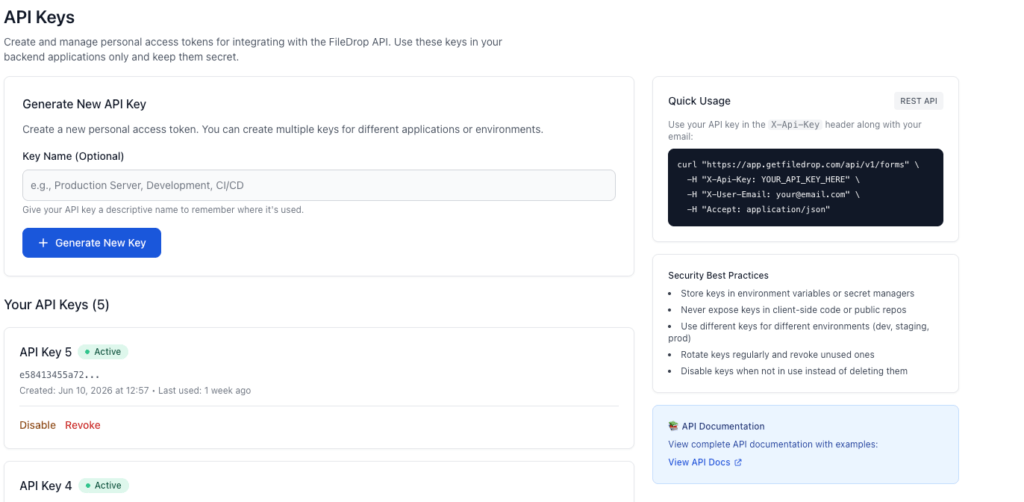
To get started add your API key and the email address of your FileDrop account. The email might be different than the Google account you use for Google Sheets.
Once your account is connected you can list the forms available and the responses available for that form.
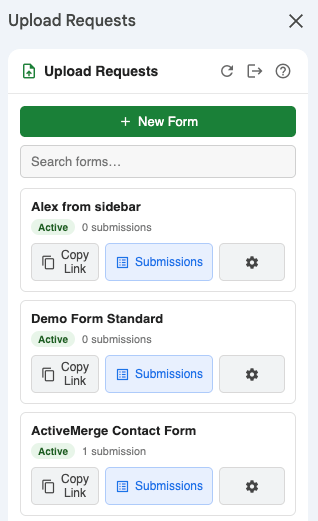
From the Submissions menu you can view and search also insert one or all of them in the current sheet.